> ## Documentation Index
> Fetch the complete documentation index at: https://docs.evidentlyai.com/llms.txt
> Use this file to discover all available pages before exploring further.
# Overview
> Introduction to Projects.
Projects are available in **Evidently OSS**, **Evidently Cloud** and **Evidently Enterprise**.
## What is a Project?
A **Project** helps you organize data and evaluations for a specific use case. You can view all your Projects on the home page.
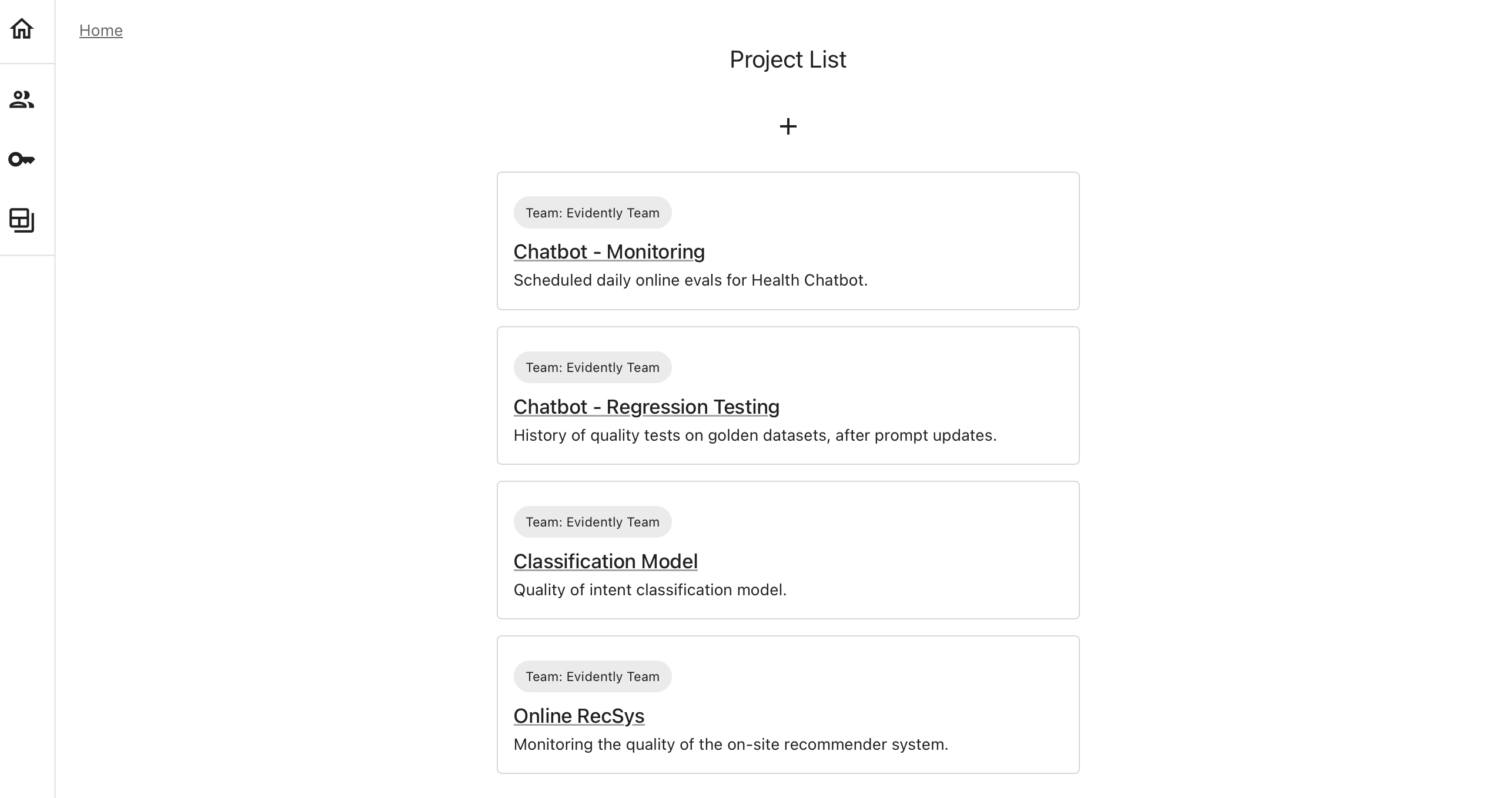 Each Project:
* Stores its own **datasets**, **reports**, and **traces**.
* Has a dedicated **dashboard** and **alerting** rules.
* Provides a **unique ID** for connecting via the **Python API** to send data, edit dashboards, and manage configurations. You can also manage everything through the UI.
## What to put in one Project?
You can structure projects to suit your workflow. Here are some ideas:
* **By Application or Model.** Create individual Projects for each LLM app or ML model.
* **By App Component.** For complex systems like AI agents, set up Projects for specific components, such as testing intent classification independently of other features.
* **By Test Scenario.** Use separate Projects for distinct test scenarios, like isolating safety or adversarial datasets from other evaluations.
* **By Phase.** Manage different development stages of the same app with separate Projects for experimentation/testing and production monitoring.
* **By Use Case.** Group data and evaluations for multiple ML models in one Project, organizing them with tags (e.g., "version," "location").
Each Project:
* Stores its own **datasets**, **reports**, and **traces**.
* Has a dedicated **dashboard** and **alerting** rules.
* Provides a **unique ID** for connecting via the **Python API** to send data, edit dashboards, and manage configurations. You can also manage everything through the UI.
## What to put in one Project?
You can structure projects to suit your workflow. Here are some ideas:
* **By Application or Model.** Create individual Projects for each LLM app or ML model.
* **By App Component.** For complex systems like AI agents, set up Projects for specific components, such as testing intent classification independently of other features.
* **By Test Scenario.** Use separate Projects for distinct test scenarios, like isolating safety or adversarial datasets from other evaluations.
* **By Phase.** Manage different development stages of the same app with separate Projects for experimentation/testing and production monitoring.
* **By Use Case.** Group data and evaluations for multiple ML models in one Project, organizing them with tags (e.g., "version," "location").