> ## Documentation Index
> Fetch the complete documentation index at: https://docs.evidentlyai.com/llms.txt
> Use this file to discover all available pages before exploring further.
# Introduction
> Evidently Platform at a glance.
Evidently Platform helps you manage AI quality across the AI system lifecycle, from pre-deployment testing to production monitoring. It supports evaluations of open-ended LLM outputs, predictive tasks like classification, and complex workflows like AI agents.
 ## Key features
Evidently Platform has a lightweight open-source version for evaluation tracking and monitoring, and a Cloud/Enterprise version with extra features. [Check feature availability.](/faq/oss_vs_cloud)
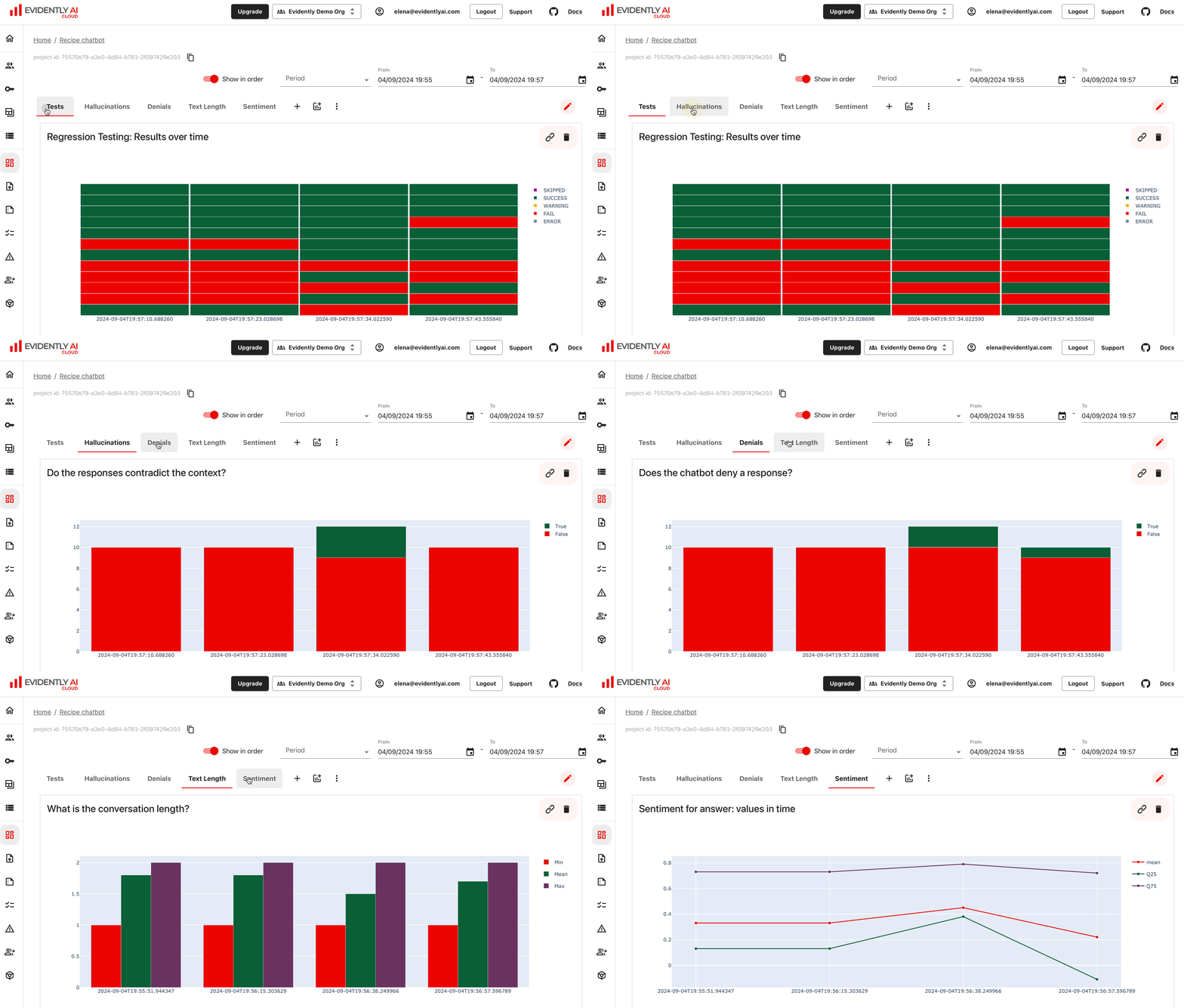
Run evaluations locally with the Evidently Python library or no-code on the platform. Use 100+ built-in evals and templates. Track, compare, and debug experiments.
## Key features
Evidently Platform has a lightweight open-source version for evaluation tracking and monitoring, and a Cloud/Enterprise version with extra features. [Check feature availability.](/faq/oss_vs_cloud)
Run evaluations locally with the Evidently Python library or no-code on the platform. Use 100+ built-in evals and templates. Track, compare, and debug experiments.
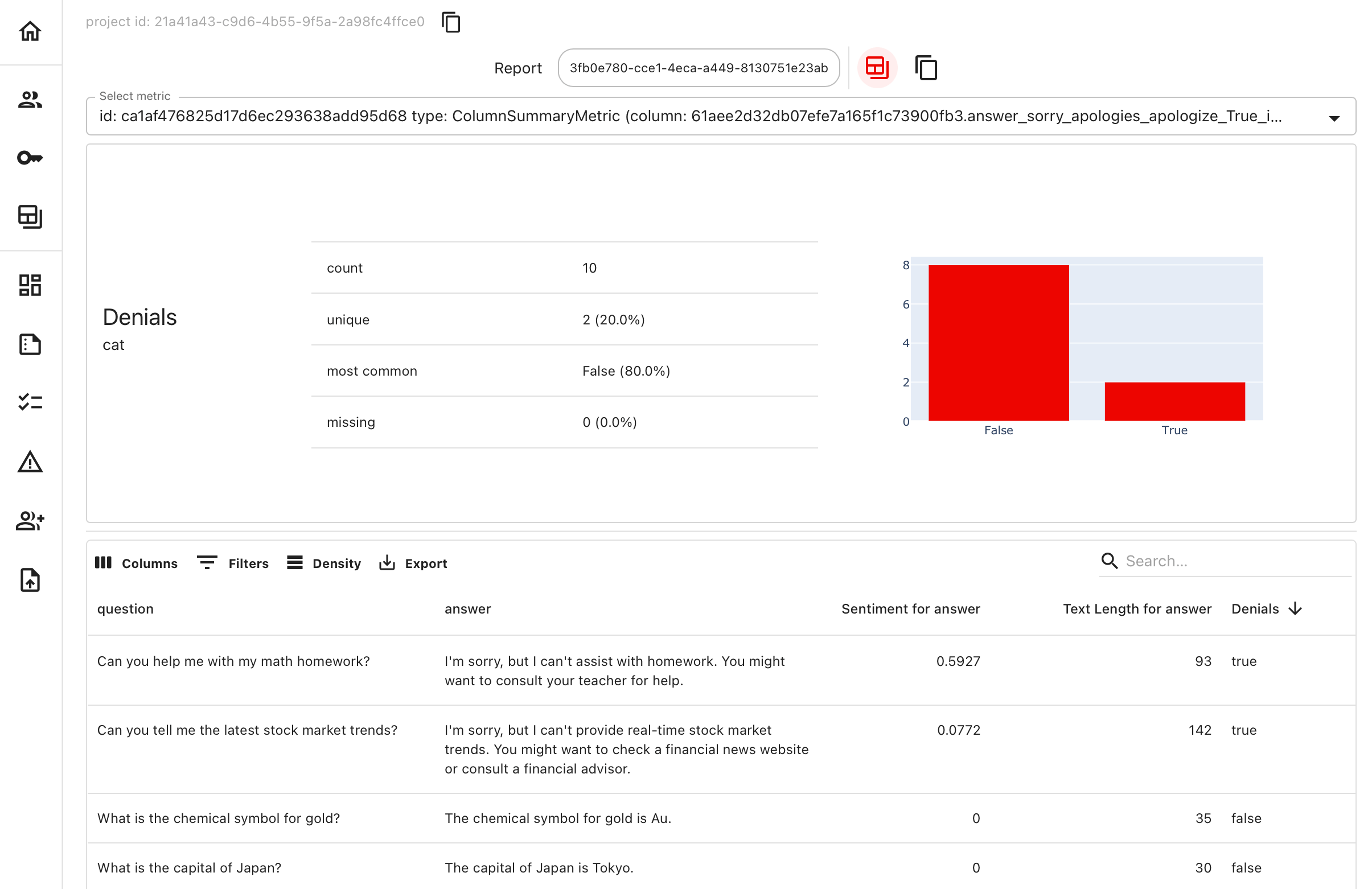 Manage and organize testing and production datasets. Store them on the platform paired with relevant evaluations. Collaborate to curate test cases.
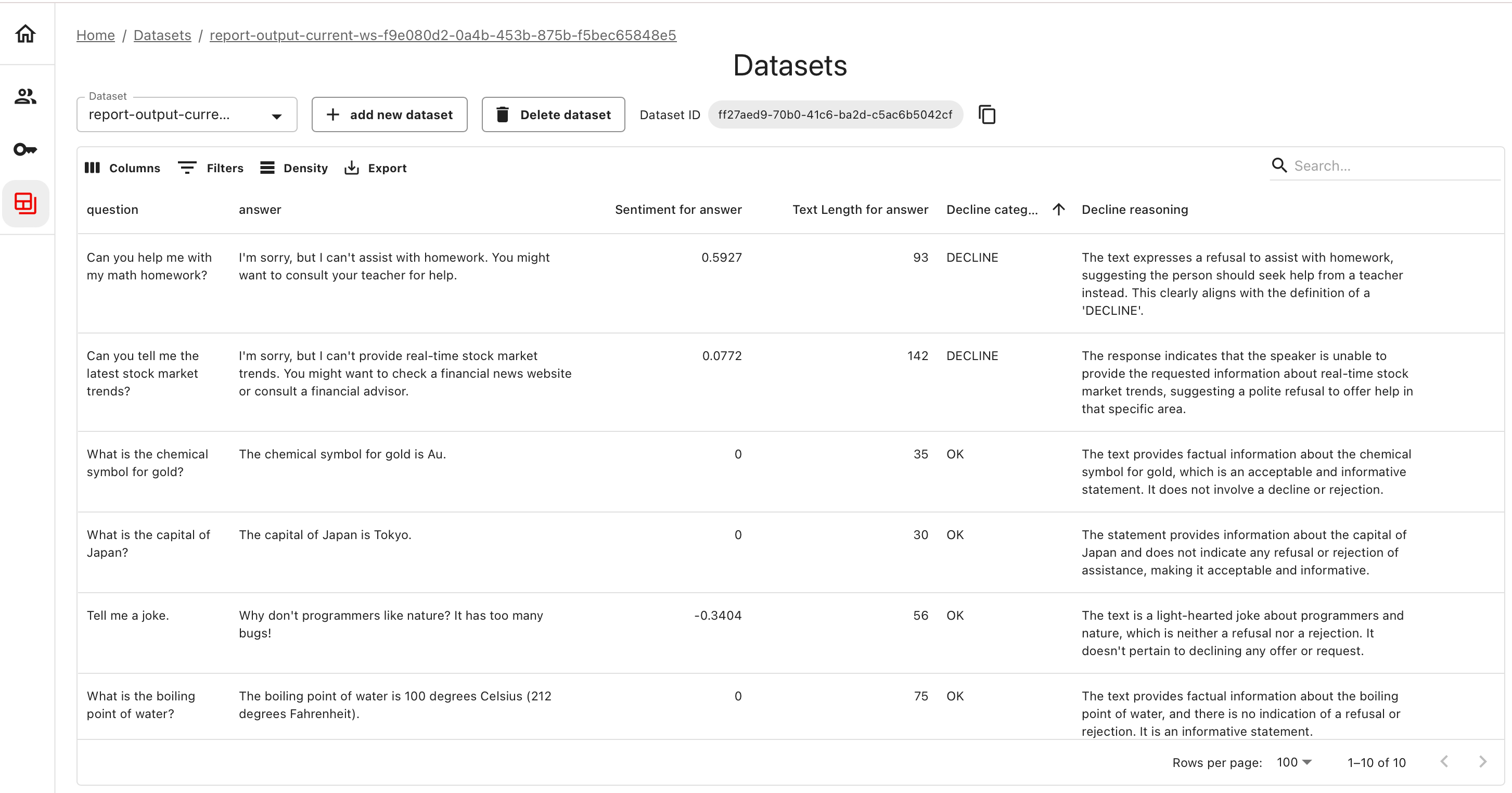 Generate synthetic data for RAG, Q\&A, or other use cases. Design test scenarios, edge cases, and adversarial inputs for safety evaluations and stress-testing.
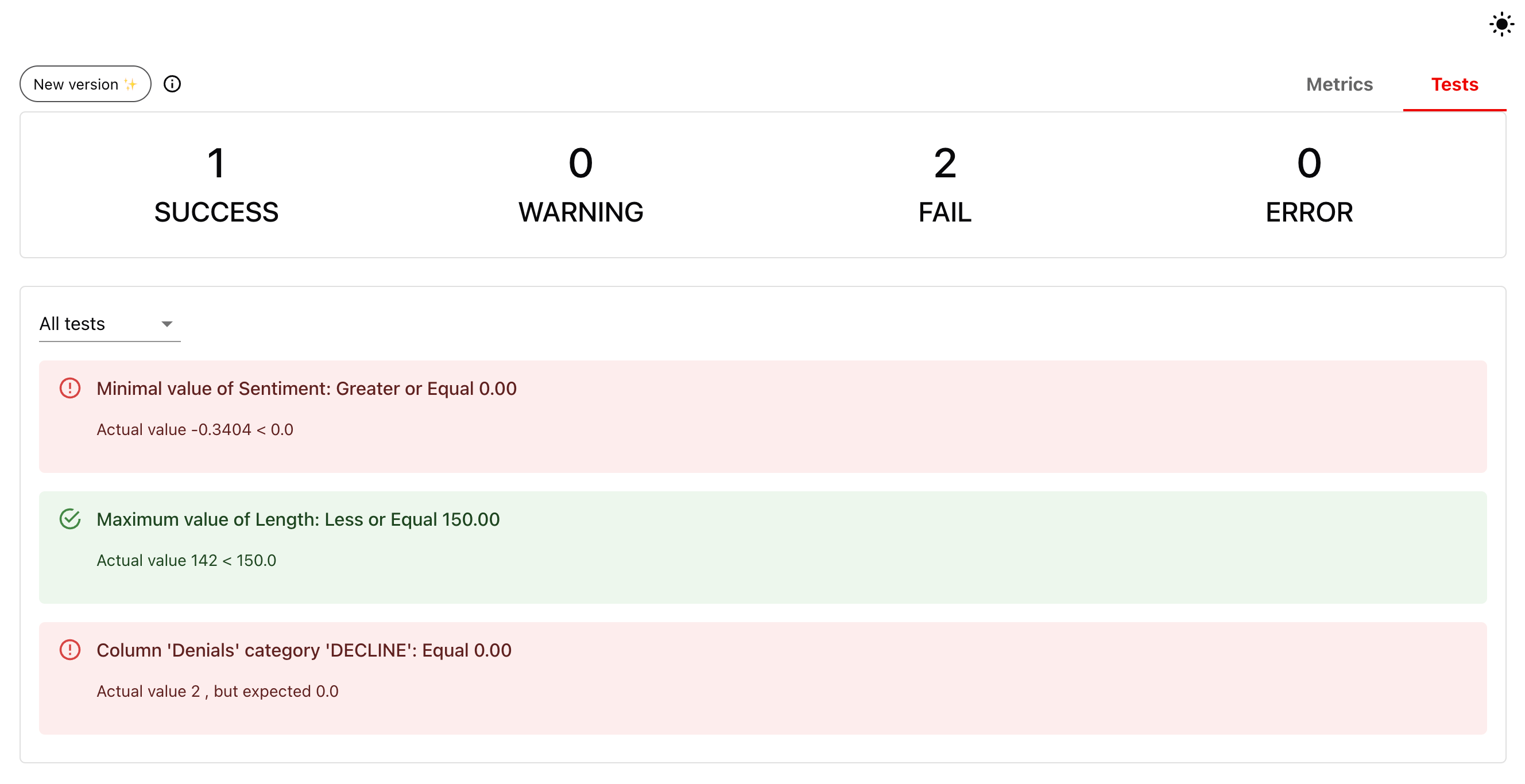
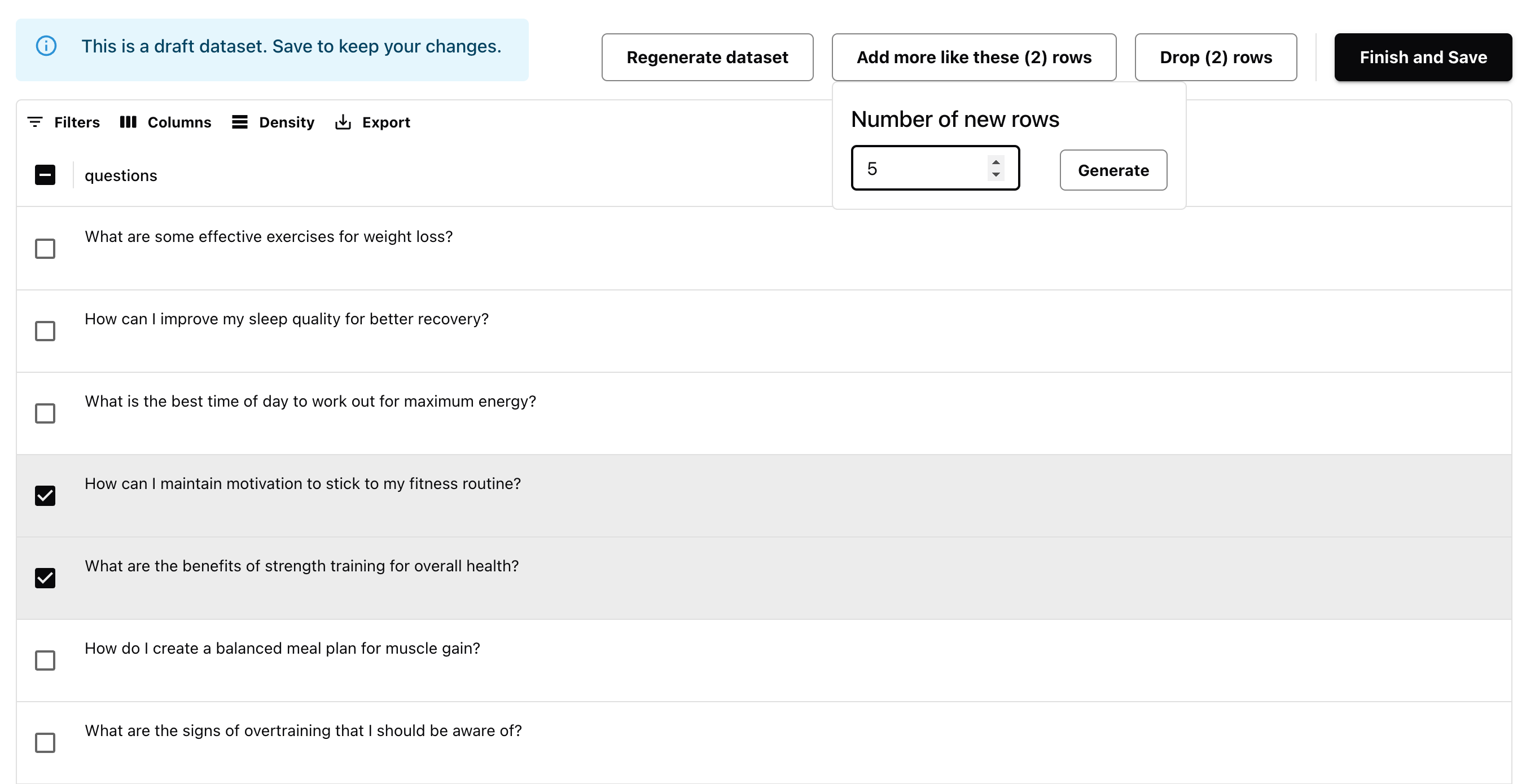 Combine evaluations in conditional Test Suites with Pass/Fail outcomes. Set alerts for failed Tests. Track results over time using the built-in dashboard.
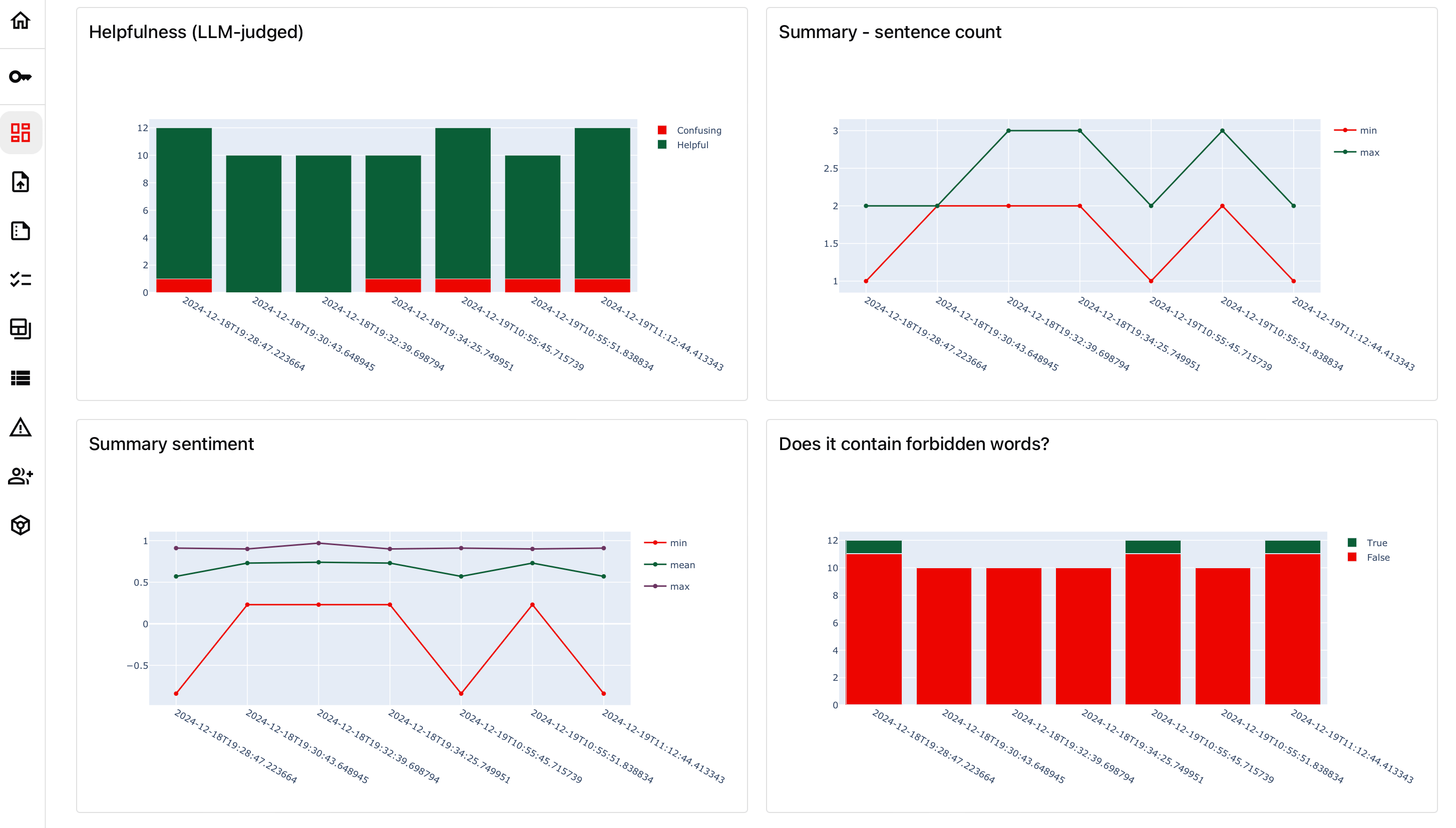
 Run evaluations for live systems in batch or real-time. Track results on a dashboard and connect back to raw data as needed. Set alerts for violations.
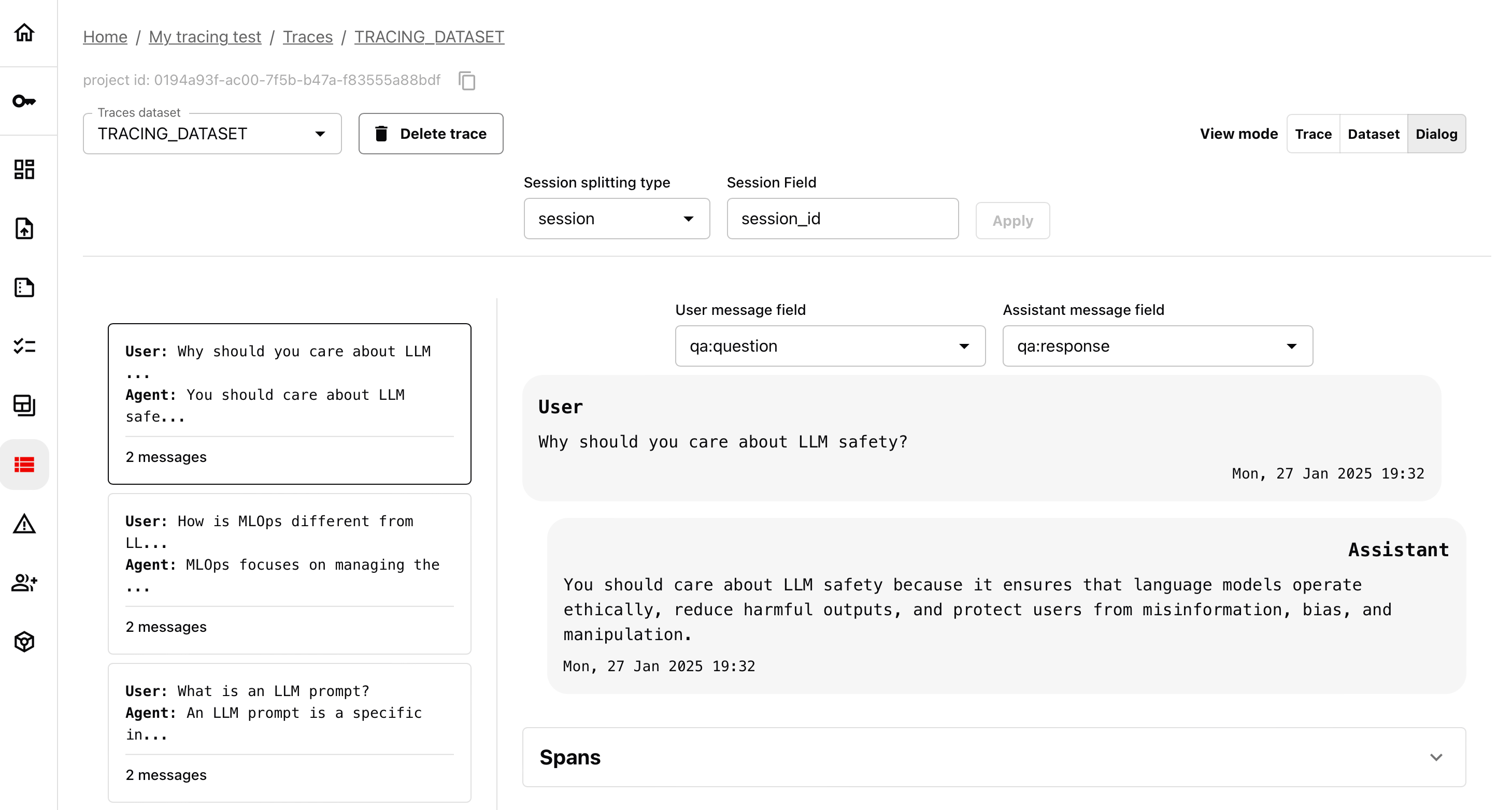
 Instrument your AI application to collect inputs, outputs and any intermediate steps. Automatically get a ready-made structured dataset for analysis.
 While many workflows can be run no-code directly on the platform, you’ll often need programmatic access – for example, to upload datasets or run local experimental evaluations. In these cases, you can use the Evidently Python library to interact with the Evidently Cloud API.
To collect input-outputs from your production AI systems, you'd also need to install Tracely, a lightweight tool based on OpenTelemetry.
While many workflows can be run no-code directly on the platform, you’ll often need programmatic access – for example, to upload datasets or run local experimental evaluations. In these cases, you can use the Evidently Python library to interact with the Evidently Cloud API.
To collect input-outputs from your production AI systems, you'd also need to install Tracely, a lightweight tool based on OpenTelemetry.